Resources
Open, Reopened & Closed Cases
Description
Cases have two statuses: Open or Closed.
Open: The case still requires action or resolution. Once the issue is resolved, the case should be marked Closed to indicate that no further work is required.
Closed: The case is complete and cannot be edited unless it is reopened.
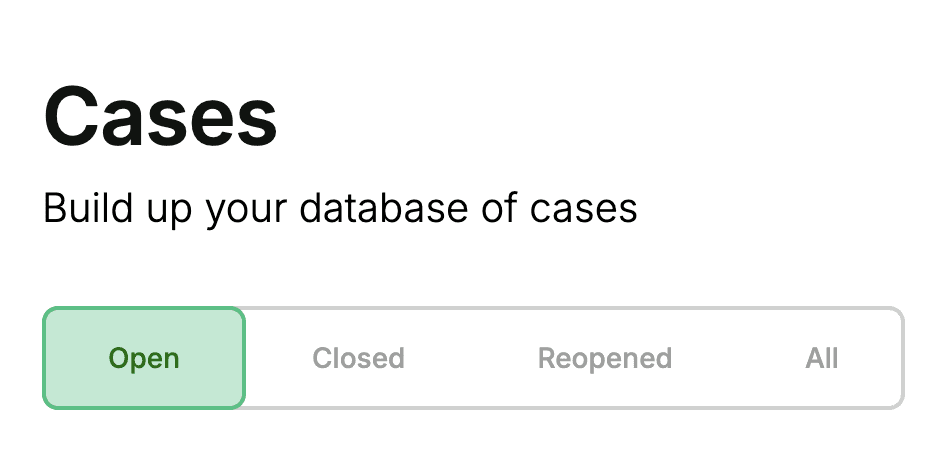
By default, the dashboard displays your Open cases. To view closed cases, switch to the Closed tab at the top of the page. This tab only includes cases that have been closed once.
If you want to view reopened cases (cases that were closed at least once and then reopened), use the Reopened tab. This can help you track cases that have had further developments or escalated to FOS.
Finally, the All tab displays every case in the platform, regardless of status. This view is useful when applying filters to locate specific cases across all statuses.