Resources
Adding Further Information
Add structured data to improve visibility, reporting, and insights.
Adding A Case File
After adding a case name, description, and choosing whether or not to add a customer, you can choose to add further details about the case.
Categories
On each case you can add up to 10 categories, each with up to 3 levels of subcategories. These categories are customisable by an admin. Learn about customising categories here.
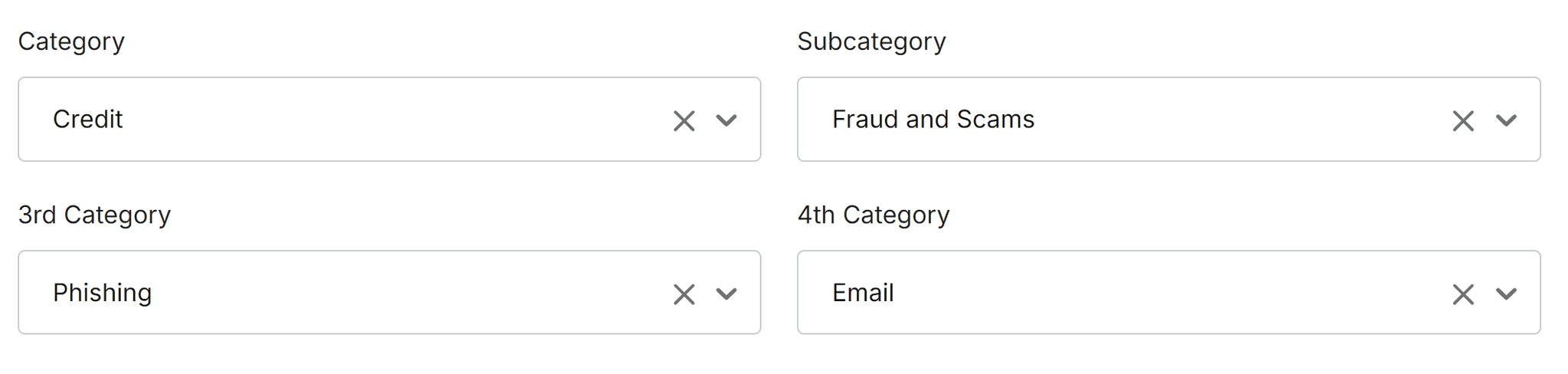
The platform records categories assigned to cases in real time and includes this in the Data Dashboard. It is important to accurately record this information on all your cases if you want to access accurate MI and AI insights.
Case Handler
When you create a new case, you are automatically assigned as that case’s handler. By having a case assigned to you, it is easier to track and organise your open cases, or find past cases you have worked on.
Anyone can work on a case file and make changes to it, whether they are the assigned handler or not. If you are passing on a case to someone else, we recommend you change the assigned case handler.
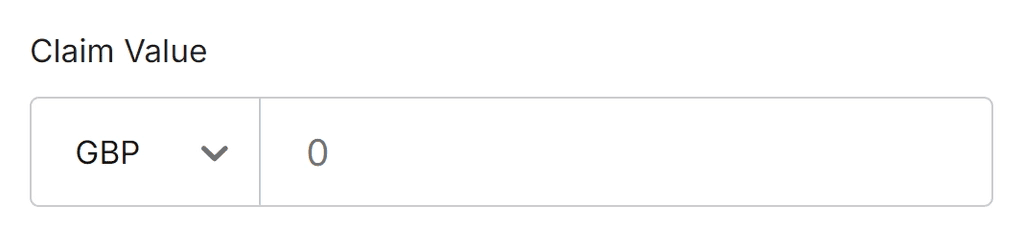
Claim Value
You can add a claim value to your cases. This can help you keep track of financial losses, compensation, or other claimed amounts. This feeds into the Data Dashboard too.
Custom Fields
If there is any information you want to record on cases that isn’t already there by default you can add your own custom fields. Click here to learn more.